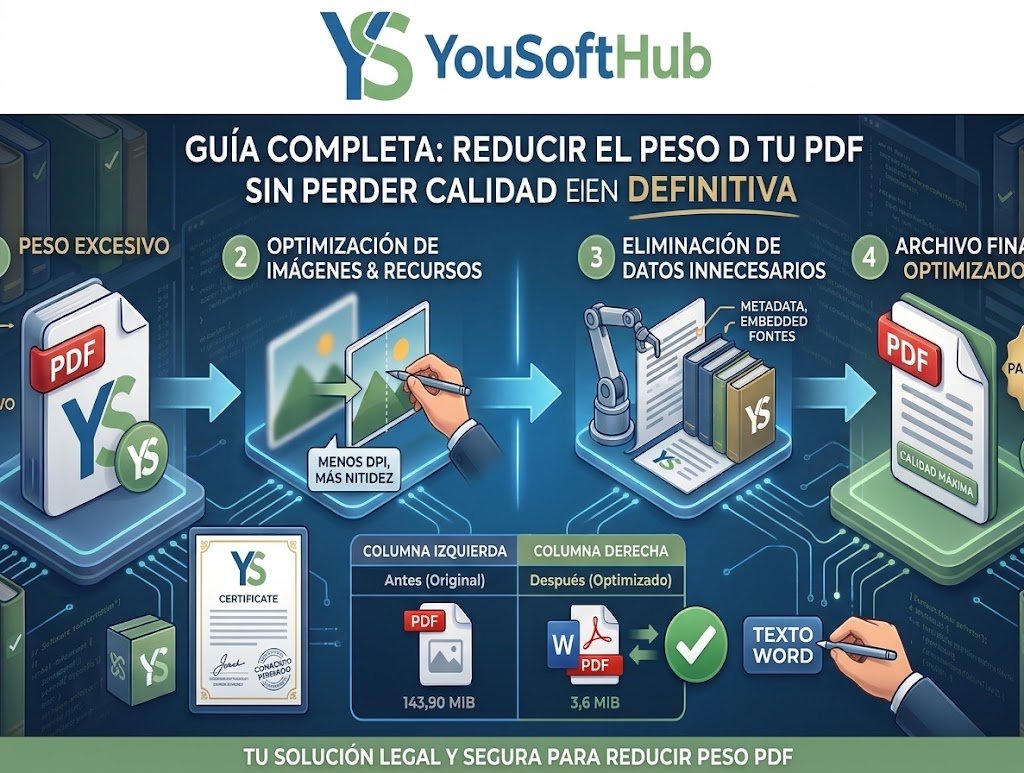
Learning how to reduce PDF file size without losing quality is essential when you need to send documentation via email or upload contracts to job platforms and government portals that enforce strict file size limits (usually between 2 MB and 5 MB). Most documents are oversized due to poorly compressed images, unnecessary embedded fonts, and residual metadata that can be cleaned up without sacrificing text sharpness.
If you are preparing a complete administrative dossier, remember that organizing your pages is often recommended before compressing file sizes; check out our guide on how to merge PDF files for free without software and, if you need prior text adjustments, review how to convert a protected PDF to Word for free.
Below, we review 3 practical and free solutions to compress your documents while maintaining flawless legibility.
Table of Contents
1. Compress with iLovePDF while preserving sharpness
Cloud compression tools apply smart algorithms that reduce the dimensions of embedded images and remove redundant layers while preserving vector typography.
- Access the official compression utility on the iLovePDF Compress PDF portal.
- Upload the document from your computer, Google Drive, or Dropbox.
- Choose the Recommended compression level (this mode balances around 60–70% size reduction without degrading onscreen visual resolution).
- Click the Compress PDF button and download your optimized file.
2. Reduce file size when exporting from Microsoft Word or Acrobat
If you generate your PDF from a text document or presentation, you can create a lightweight version directly upon saving without losing legibility.
- Open your source file in Microsoft Word.
- Go to the top menu: File > Save As and select the PDF.
- In the lower save options section, check the Minimum size (publishing online) option instead of the standard format.
- Click SaveClick Save. Word will compress images down to 96–150 DPI, ideal for digital reading while keeping text razor-sharp.
Post-processing vector graphic compression adheres to the optimization standards outlined in the official Adobe Acrobat guide on optimizing PDF files, ensuring embedded fonts remain fully scalable.
3. Use the web browser virtual re-printing feature
Another practical alternative to reduce PDF file size without losing quality when dealing with complex layers is running the document through your browser's rendering engine:
- Drag and drop the PDF into a blank tab in Google Chrome or Microsoft Edge.
- Press the keyboard shortcut Ctrl + P (or Cmd + P on macOS).
- Under Destination , select Save as PDF.
- Click More settings and uncheck unnecessary boxes such as headers or background graphics if you only need the main body.
- Save the copy; the browser will flatten redundant metadata and produce a significantly more compact file.
Tips to prevent text from losing definition
When aiming to reduce PDF file size without losing quality, keep these technical details in mind:
- Image Resolution (DPI): For screen reading, 72 to 150 DPI is more than enough. Avoid extreme compression settings below 72 DPI if the document contains scanned signatures or tables with small font sizes.
- Vector Text vs. Scanned Images: If your PDF is a scanned photo of physical paper, standard compressors have less headroom. In such cases, running the file through OCR first will notably improve compression efficiency.
Mastering how to reduce PDF file size without losing quality ensures your documents easily clear email attachments and administrative upload limits without server bounce errors.
Related productivity guides
- Do your documents include data tables or inventories? Check out our tutorial on how to compare two columns in Excel across different sheets..
- To clean data tables before attaching them to a report, learn how to find duplicates and remove them in spreadsheets.
Pingback: Find Matching Values in Two Excel Lists: 3 Key Ways
Pingback: How to Sign a PDF Digitally Without Printing: 3 Top Ways
Pingback: Edit Text in a PDF Without Software: 3 Top Solutions
Pingback: Free Alternatives to Adobe Acrobat: 3 Top Suites in 2026